AI Integration Checklist: How to Securely Connect LLMs to Your Legacy Enterprise Software

By

12 mins read

Legacy enterprise software continues to support critical business operations across banking, healthcare, manufacturing, insurance, logistics, retail, and other industries. These systems often contain years of business logic, customer data, workflows, and operational knowledge. However, many legacy applications were built before generative AI and large language models (LLMs) became widely available. As organizations look to modernize these platforms without replacing valuable existing infrastructure, LLM Integration With Legacy Systems is becoming an effective approach to introducing AI-powered capabilities while preserving established business processes and data.

Does that mean businesses need to replace their existing software to adopt AI?

Not necessarily.

With the right architecture, organizations can integrate LLMs with legacy systems and introduce AI-powered capabilities without rebuilding the entire application. The key is to create a secure layer between the LLM and the existing enterprise environment.

This guide explains how businesses can approach LLM integration with legacy systems while protecting data, controlling access, and maintaining existing business processes.

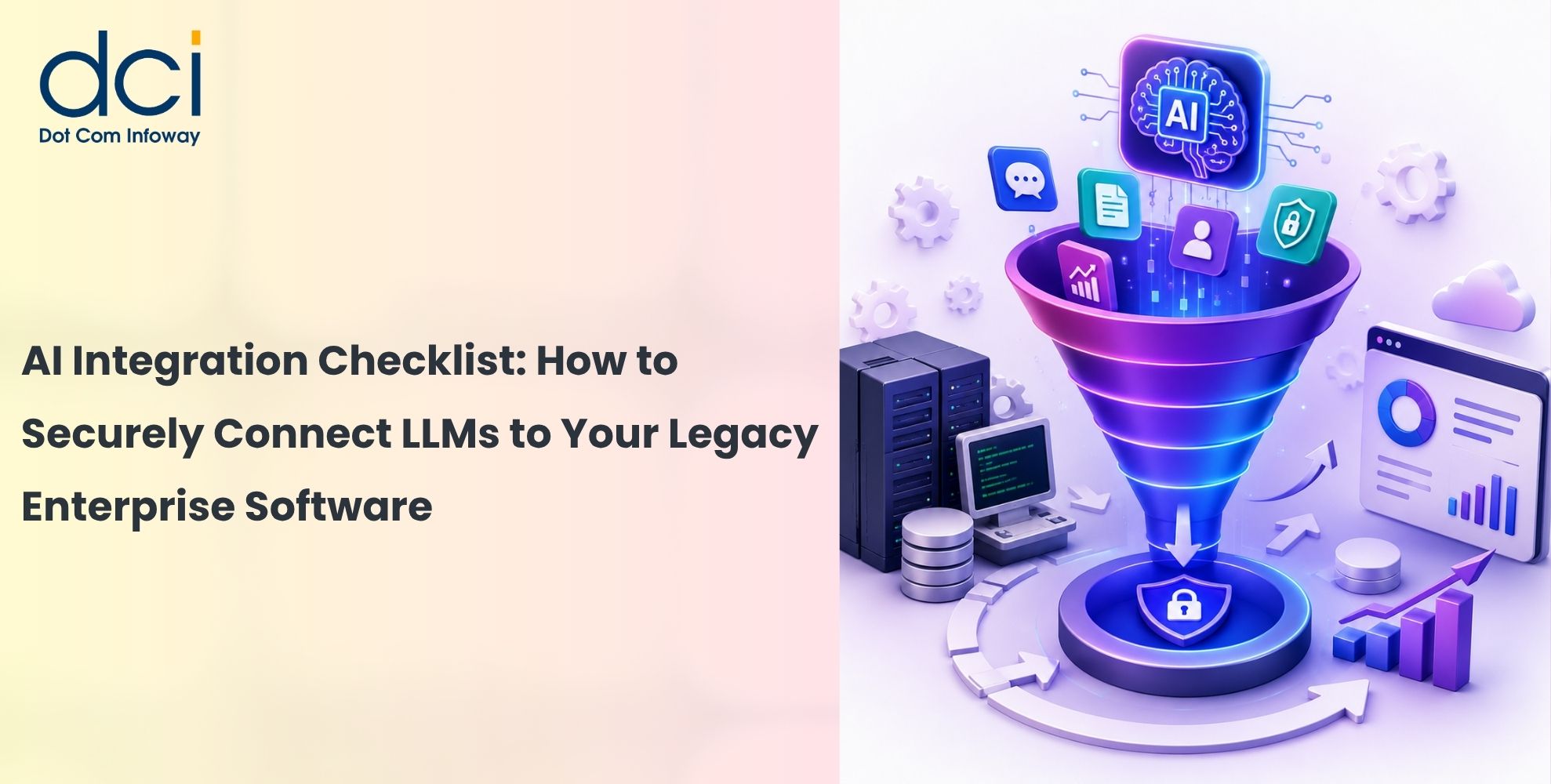
AI Integration Checklist: How to Securely Connect LLMs to Your Legacy Enterprise Software

What Is LLM Integration With Legacy Systems?

    LLM integration with legacy systems is the process of connecting a large language model to existing enterprise applications, databases, APIs, documents, or workflows.

    Instead of replacing the legacy application, an AI layer can work alongside it.

    For example, a customer service employee could ask:

    “Show me the customer’s recent orders and summarize their purchase history.”

    The LLM can understand the natural-language request, communicate with an approved API, retrieve the required information, and present the result in a simple response.

    The legacy application continues to handle the underlying business logic and data.

    A typical architecture looks like:

    User → AI Application → Security Layer → API/Middleware → Legacy Application → Database

    This approach allows organizations to introduce AI gradually while reducing the risks associated with a complete system replacement.

    Why Is Integrating LLMs With Legacy Software Challenging?

    Legacy applications often have outdated technologies, limited APIs, complex databases, undocumented business rules, and tightly connected systems.

    An LLM adds another layer of complexity because it works with natural language rather than predictable structured requests.

    For example, a traditional application may expect:

    customer_id = 10245

    An employee may instead ask:

    “Can you find the latest order for customer 10245?”

    The integration layer must translate the request into an approved operation.

    Security is another major concern. An LLM connected to enterprise systems should never automatically receive unrestricted access to databases, internal documents, or business operations.

    That makes secure LLM integration an architecture problem, not simply an AI model selection problem.

        AI Integration Checklist for Legacy Enterprise Software

        Plan LLM Integration with Legacy Systems

        1. Define the Business Use Case First

        Before choosing an LLM, clearly define what the AI needs to accomplish.

        Common enterprise use cases include AI-powered search, customer support assistance, document summarization, knowledge management, report generation, data extraction, and employee assistants.

        Start with a narrow and measurable use case.

        For example, an organization could begin with:

        “Allow employees to search internal product documentation using natural language.”

        This is generally easier to control than immediately allowing an AI agent to modify customer records or execute financial transactions.

        A clearly defined use case also helps determine what data, APIs, tools, and permissions the LLM actually requires.

        2. Audit the Existing Legacy Application

        Before implementing an AI integration, understand the existing technology environment.

        Review the application’s architecture, databases, APIs, authentication mechanisms, user roles, business rules, data flows, and external integrations.

        Identify which systems contain sensitive information and which functions can safely be exposed to an AI application.

        This assessment is particularly important when modernizing older applications because undocumented dependencies can create unexpected security and reliability issues.

        The objective is to determine:

        What can the AI access?
        What should the AI access?
        What actions should the AI never perform?

          3. Use APIs Instead of Direct Database Access

          One of the most important principles of enterprise LLM integration is to avoid giving the model unrestricted access to a production database.

          A safer architecture is:

          LLM → AI Integration Layer → Approved API → Business Logic → Database

          The API can control authentication, authorization, validation, and business rules before retrieving information.

          For example, instead of allowing an LLM to generate arbitrary SQL queries, an application could expose a controlled function for retrieving customer order history.

          This creates a clear security boundary between the AI model and the legacy system.

          Secure AI Access and Enterprise Data

          4. Apply Least-Privilege Access

          An LLM should have only the permissions required to complete its assigned task.

          If an AI assistant only needs to retrieve customer information, it should not have permission to delete accounts, change prices, modify employee records, or access payment credentials.

          This principle becomes even more important when an LLM can interact with external tools or enterprise APIs.

          Existing user permissions should also remain intact. If an employee cannot access specific information through the original application, the AI assistant should not provide a way around that restriction.

          5. Protect Sensitive Enterprise Data

          Enterprise applications may contain personally identifiable information, financial records, customer information, confidential documents, or proprietary business data.

          Before connecting these systems to an LLM, classify the information and determine what the model actually needs.

          Avoid sending unnecessary data to the model.

          Data minimization, access control, redaction, secure credential management, and appropriate data-retention policies should form part of the AI integration architecture.

          Organizations should also understand how their selected LLM provider processes enterprise data and what security and privacy controls are available.

          6. Protect Against Prompt Injection

          Prompt injection is an important security consideration for LLM applications.

          An attacker may attempt to manipulate the model into ignoring its intended instructions, revealing information, or calling tools in unintended ways.

          The risk becomes greater when an LLM is connected to enterprise applications.

          For example, malicious instructions could potentially be hidden inside a document retrieved through a RAG system.

          Security should therefore not depend only on a system prompt.

          Use multiple layers of protection, including access controls, input validation, tool restrictions, output validation, monitoring, and human approval for high-impact actions.

          Validate LLM Integration with Legacy Systems and Control Business Actions

          7. Never Automatically Trust LLM Output

          LLM output should be treated as untrusted data.

          This is particularly important when the response is used to generate SQL queries, API requests, code, or business actions.

          For example:

          User → LLM → SQL → Production Database

          creates unnecessary risk if the generated SQL is executed without validation.

          A safer approach is to restrict the AI to approved functions and validate its output against predefined schemas, permissions, and business rules.

          The LLM can recommend an action, but the application should remain responsible for determining whether that action is permitted.

          8. Use RAG for Frequently Changing Enterprise Knowledge

          Many businesses want LLMs to answer questions using internal documents, policies, manuals, reports, and knowledge bases.

          Retrieval-Augmented Generation (RAG) can be useful for this purpose.

          Instead of retraining the model whenever enterprise information changes, a RAG system retrieves relevant information and provides it to the LLM as context.

          The workflow can look like:

          User Question → Permission Check → Enterprise Search → Relevant Information → LLM → Response

          RAG can support internal knowledge assistants, customer support, product documentation, technical support, and enterprise search.

          However, the retrieval system must enforce existing permissions. A document should not become accessible simply because it has been added to an AI knowledge base.


                  mobile-design-300x300

                  Want to securely add AI to your legacy enterprise software without rebuilding your entire system?
                  Explore how our experts can help you plan and implement secure LLM integration with legacy systems while protecting data, permissions, and critical business workflows. Talk to our AI integration experts today.


                  Monitor and Test the AI System

                  9. Separate AI Recommendations From Business Actions

                  There is a significant difference between an AI recommending an action and an AI executing that action.

                  For example:

                  AI: “These customers may require follow-up.”

                  versus:

                  AI: “Send an email to all these customers.”

                  For sensitive workflows, a human-in-the-loop approach is often safer:

                  AI Recommendation → Human Review → Approval → Business System

                  This is particularly useful for financial transactions, customer account changes, refunds, employee actions, contract modifications, and other high-impact operations.

                  AI automation should increase productivity without removing necessary business controls.

                  10. Monitor the AI Integration

                  Security does not end when the LLM integration goes live.

                  Organizations should monitor AI requests, API calls, authentication events, errors, unusual behavior, usage, latency, and costs.

                  Monitoring should also provide enough information to investigate incidents.

                  For example, organizations should be able to determine:

                  • What request was made?
                  • Which information was retrieved?
                  • Which API was called?
                  • What action was attempted?
                  • Was the action authorized?
                  • Did the system reject or complete the request?

                  At the same time, logging should avoid unnecessarily storing sensitive information.

                  11. Test the Entire AI Workflow

                  Traditional software testing alone is not enough for LLM applications.

                  Testing should evaluate both AI performance and security.

                  Test scenarios should include incorrect questions, unauthorized requests, prompt injection attempts, sensitive-data requests, invalid tool calls, hallucinated information, API failures, and unexpected model responses.

                  The objective is to determine whether the complete system behaves safely—not simply whether the LLM produces convincing text.

                  Before production deployment, organizations should also establish fallback and recovery procedures.

                        A Secure Architecture for LLM Integration

                        A practical architecture for connecting an LLM to a legacy enterprise application can include several controlled layers:

                        User

                        AI Application

                        Authentication & Authorization

                        LLM Gateway / AI Orchestration

                        Security & Policy Layer

                        Approved APIs / RAG / Enterprise Tools

                        Legacy Application

                        Enterprise Database

                        This architecture keeps the LLM separated from the most sensitive enterprise resources.

                        It also makes it easier to introduce additional AI capabilities over time without redesigning the entire legacy platform.

                          How AI Can Modernize Legacy Software

                          AI integration can become part of a broader legacy software modernization strategy.

                          Businesses can begin by adding AI-powered search or document summarization. Once the architecture has been tested, they can introduce secure APIs and connect additional enterprise data sources.

                          RAG can then provide access to internal knowledge, followed by carefully controlled workflow automation.

                          This phased approach allows organizations to modernize existing applications without taking on the cost and operational risk of an immediate full-system replacement.

                          Common Mistakes to Avoid

                          The biggest mistake is treating the LLM as a trusted enterprise application.

                          An LLM should not determine permissions, bypass business rules, or directly control critical infrastructure.

                          Another common mistake is giving AI too much access too early.

                          Start with the minimum data and permissions required. Validate the results, measure business value, and expand capabilities gradually.

                          Organizations should also avoid assuming that AI integration is only an API development project. Successful enterprise AI requires security, data governance, application architecture, testing, monitoring, and ongoing optimization.

                          Final Takeaway

                          LLM integration with legacy systems provides businesses with a practical path to AI modernization without immediately replacing proven enterprise software.

                          The key is to integrate AI securely.

                          Use controlled APIs instead of unrestricted database access. Apply least-privilege permissions. Protect sensitive data. Secure RAG pipelines. Validate LLM outputs. Monitor AI activity and maintain human oversight for high-impact decisions.

                          With the right architecture, legacy applications can become AI-enabled enterprise platforms while continuing to support the business processes organizations already depend on.

                          For businesses exploring LLM integration, enterprise AI development, legacy software modernization, or generative AI solutions, a technical assessment of the existing application, data architecture, APIs, security controls, and business objectives is the right place to begin.

                          Dot Com Infoway helps businesses integrate AI capabilities into existing software through AI development, application modernization, custom software development, and enterprise technology solutions.

                          Latest Posts

                          Get the latest insights from Dot Com Infoway straight to your inbox.