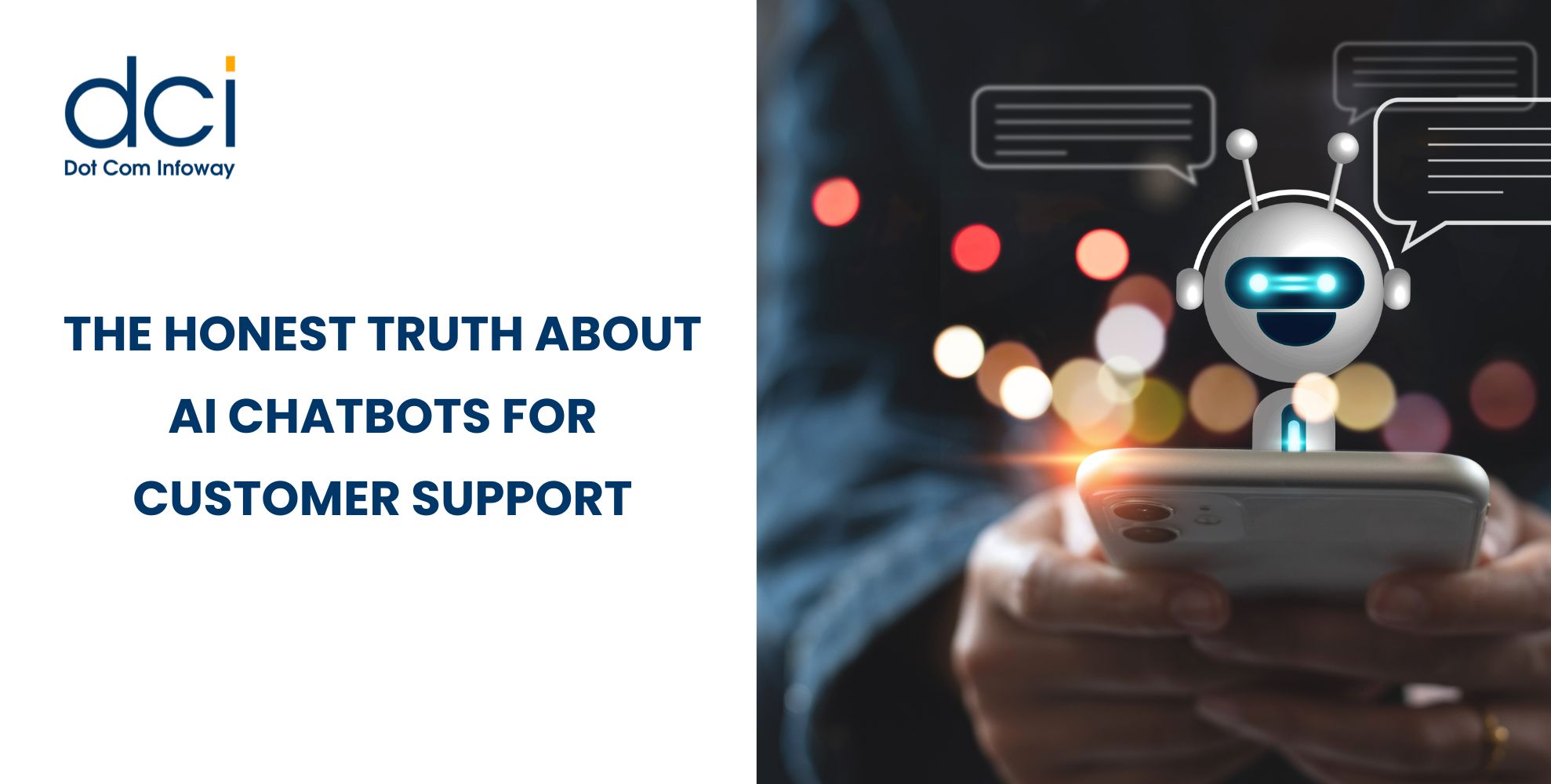
The Honest Truth About AI Chatbots for Customer Support: What Worked, What Didn’t, and What Surprised Us After 6 Months

By

7 mins read

AI customer support chatbots are now a serious part of modern customer support. Businesses use them to answer common questions, reduce ticket pressure, and support customers outside regular working hours. But after six months of practical use, one thing became clear: AI does not improve customer support by itself. It works only when the strategy, data, workflows, and human escalation process are properly planned.

Many companies expect instant results from AI. They want faster replies, lower costs, and happier customers. Some of these benefits are possible, but only when the chatbot is built around real customer problems instead of generic scripts. This is where experienced AI development services can make a difference by aligning chatbot workflows with customer intent, support goals, and business data. The biggest learning was that a chatbot does more than automate replies. It also shows where the support process, website content, and internal documentation need improvement.

The Honest Truth About AI Chatbots for Customer Support: What Worked, What Didn't, and What Surprised Us After 6 Months

Why Businesses Are Moving to AI Support

    Customer support teams often face the same challenges: high ticket volumes, repeated questions, slow response times, and limited staff availability. Customers, on the other hand, expect fast and clear answers.

    Salesforce’s 2025 State of Service report says AI is expected to handle nearly half of all customer service cases by 2027. This shows how quickly businesses are moving toward AI-assisted support.

    The most common problems before implementation were:

    • Repeated tickets for basic questions
    • Long first-response times during peak hours
    • Scattered support information across teams
    • Agents spending too much time on low-value queries
    • Customers dropping off before getting answers

    This is where a smart AI chatbot can help. The goal is not to replace support agents. The goal is to create a faster first layer of support while allowing human agents to handle complex and sensitive conversations.

    What Worked Well

    The chatbot performed best with simple, repetitive, and clearly documented questions. These included order tracking, account setup, pricing queries, appointment booking, subscription support, product comparisons, and basic troubleshooting.

    For example, in a SaaS onboarding flow, users often asked questions like “Where do I start?”, “How do I invite my team?”, and “Can I change my plan later?” After adding chatbot prompts to the onboarding pages, repetitive support tickets reduced and users received faster guidance.

    Another strong use case was lead qualification. When visitors asked about pricing, timelines, or service fit, the chatbot gave basic answers and routed them to the right team. This connects well with the role of AI chatbots for lead generation, where chat systems help qualify visitors before they leave the website.

    The strongest outcomes were:

    • Faster first response for common questions
    • Reduced workload for support agents
    • Better visibility into missing FAQs and unclear website content

    Zendesk’s 2025 CX Trends Report also notes that companies using human-centered AI are more likely to see stronger returns from AI. This matches the practical result: automation works best when it improves customer clarity, not just internal efficiency.

      What Didn’t Work

        The biggest mistake was expecting the chatbot to handle every support issue. It could not manage complex complaints, refund disputes, emotional conversations, technical edge cases, or account-specific problems without human support.

        Another issue was over-automation. If customers could not reach a human agent quickly, frustration increased. A chatbot should not become a wall between the customer and the support team. It should act as a helpful first step.

        Content quality was another major challenge. If the knowledge base was outdated, the chatbot gave outdated answers. If policies were unclear, the chatbot struggled to explain them correctly. If different pages had different versions of the same answer, consistency became a problem.

        User experience also mattered. Poor chatbot placement, early popups, irrelevant prompts, or blocking mobile screens reduced trust. This is why proper Integrating Chatbot into Website planning is important.

        The weakest areas were:

        • Open-ended technical troubleshooting
        • Policy-sensitive questions
        • Emotional complaints
        • Outdated or duplicate knowledge base content
        • Chat flows with poor human escalation

        mobile-design-300x300

        Are AI chatbots actually reliable for customer support in real business use?
        Reliable when properly trained and integrated with support workflows. If you’re considering one, book an AI support audit with us to check readiness for real customer queries.


        What Surprised Us

        The biggest surprise was that the chatbot improved internal operations before it fully improved customer experience. It showed what customers were confused about, which pages lacked clarity, and which questions appeared repeatedly.

        In many cases, the chatbot became a customer research tool. It revealed real customer language, common doubts, and content gaps.

        Another surprise was that customers were not against AI support when expectations were clear. They accepted it when the bot gave useful answers, introduced itself honestly, and offered human support when needed.

        Shorter answers also performed better. Customers wanted quick solutions, not long explanations. The best responses were clear, direct, and action-focused.

        This is where AI-powered chatbots become more useful than basic rule-based bots. With the right setup, they can understand intent, summarize issues, and support agents before handoff.

          How to Build a Reliable AI Support System

          A successful chatbot needs more than AI technology. It needs a clear support strategy. Businesses should begin by identifying the top repetitive customer queries, checking the quality of existing answers, and deciding which questions the bot should not answer.

          Integration is also important. A chatbot becomes more useful when connected with CRM, ticketing tools, order systems, and knowledge bases. Without integration, it can answer general questions but cannot solve account-specific issues.

          Escalation rules must be planned from the beginning. The system should know when to stop answering and bring in a human agent.

          For businesses choosing between simple automation and advanced AI systems, DCI’s blog on AI Agents or Chatbots gives a useful comparison.

          Final Takeaway

          After six months, the honest truth is clear: AI customer support chatbots can improve support speed, reduce repetitive workload, and help customers get answers faster. But they are not a complete replacement for human agents.

          The best results come when AI and humans work together. AI handles speed, scale, and consistency. Human agents handle judgment, empathy, and complex cases. Businesses that follow this balance can improve support efficiency, customer experience, and long-term trust.

          Latest Posts

          Get the latest insights from Dot Com Infoway straight to your inbox.