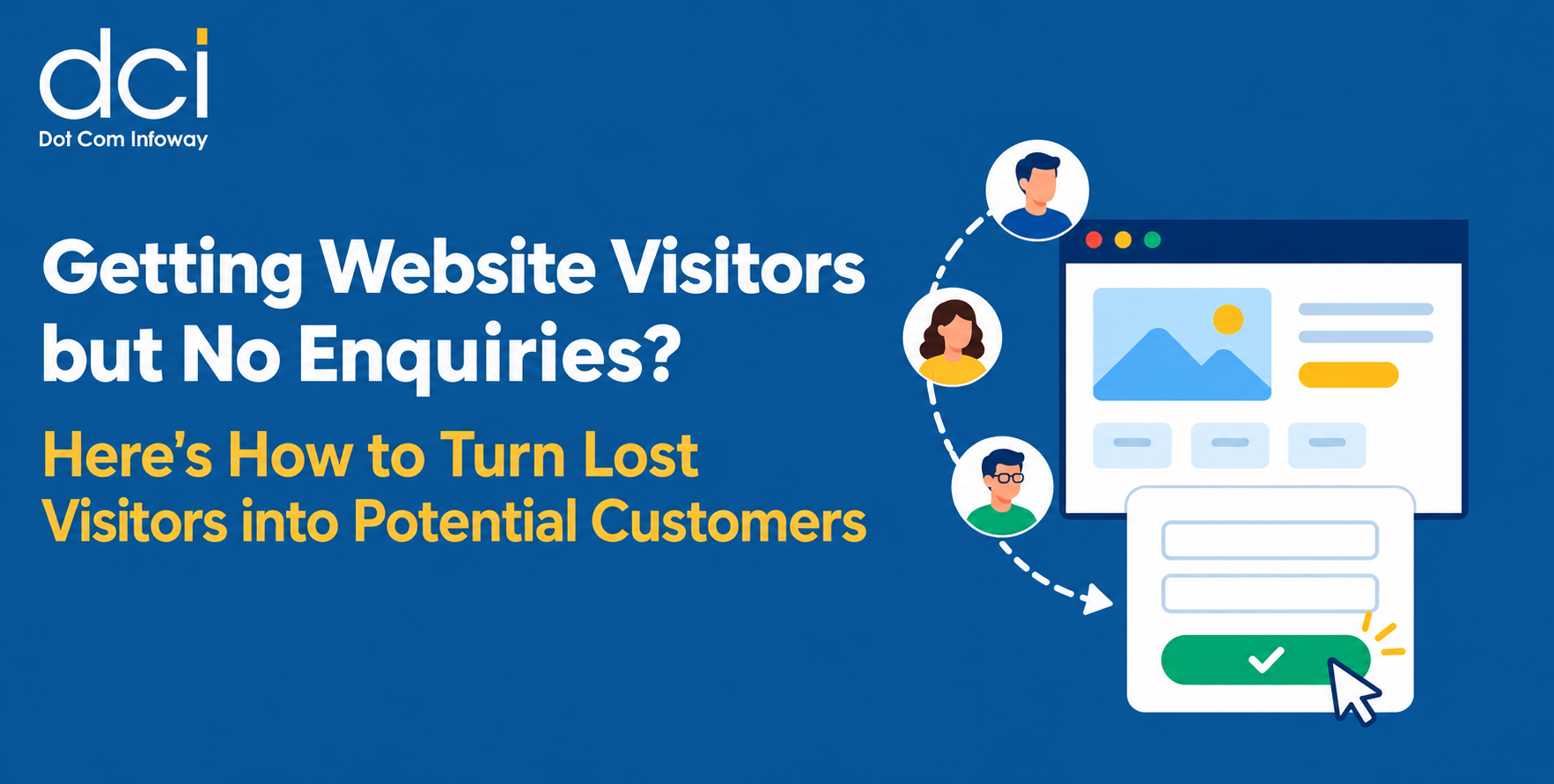
Getting Website Visitors but No Enquiries? Here’s How to Turn Lost Visitors into Potential Customers

By

11 mins read

To convert website visitors into leads, start by finding out why people leave without contacting you. Your website may attract visitors from Google, paid ads, and social media, yet few request a quote or book a call. Before spending more to bring in traffic, check what happens between the first visit and the point where someone decides to get in touch.

Start with three questions. Are you attracting people who need your services? Does the page give them enough information to decide? Can they easily take the next step? The answers will help you decide whether to refine your campaign targeting, explain your offer more clearly, or fix the enquiry process.

convert website visitors

Why Your Website Gets Visitors but No Enquiries

Visitors arrive with different expectations. Someone who clicks an ad offering a free consultation expects to see what the consultation covers and how to book it. If the ad sends them to a generic homepage, they have to look for those details themselves.

Other common reasons visitors leave include:

  • An unclear offer. The page describes your company but leaves visitors unsure about the service and who it’s for.
  • Missing customer proof. Visitors comparing providers have no relevant reviews, case studies, or project examples to help them decide.
  • A difficult enquiry process. A lengthy form, hard-to-find button, or mobile submission error can stop someone who’s ready to contact you.
  • A mismatch between the audience and the offer. Your campaigns may attract people looking for a different service, location, or price range.

If the problem is concentrated in paid traffic, start by checking why paid ads may be getting clicks without generating leads.

Where to Start When You Want to Convert Website Visitors Into Leads

Choose one service or campaign page that already attracts potential customers. Trace what happens from the moment they arrive to the moment an enquiry reaches your team.

Start With the Traffic Source

Check how people reach the page. Review paid search terms where available, the wording of your live ads, and the pages receiving organic traffic. Look for obvious mismatches in the service, location, or offer.

For example, an ad for ecommerce website redesign should take people to a page about redesigning an online store. If they land on a page covering web design, mobile apps, and digital marketing, the first thing to review is where the ad sends them.

Follow the Enquiry Process on Your Phone

Open the page as a first-time visitor. Can you tell what the business offers from the opening section? Can you find the enquiry button? Tap it, fill in the form, and check whether you receive a clear confirmation. Verify that the submission reaches the right inbox or CRM.

Also try making a mistake and correcting it. If the form clears every field after one error, or the error message doesn’t say what to fix, a visitor may give up even though the form technically works.

If similar issues appear across several pages, review the site’s design, mobile usability, and performance together. Explore our website modernisation services.

6 Practical Ways to Convert Website Visitors Into Qualified Leads

1. Match the Landing Page to What Visitors Expect

To convert website visitors who arrive through an ad, make sure the landing page delivers what the ad promises. If the ad promotes website redesign for small businesses, say so in the headline, show a relevant project, and explain how to request an estimate.

For examples of how to place and prioritise calls to action, see our landing page design tips to improve conversions.

2. Answer the Questions People Ask Before Contacting You

Look at the questions your sales team hears on introductory calls. What’s included? How long does the work take? Can you work with the customer’s existing platform? What will they need to prepare?

Use those answers to fill gaps on the service page. If pricing varies by project, explain what affects the quote. A website redesign page could explain that the scope depends on the number of pages, whether content needs to be migrated, and which integrations the business wants to keep.

Tell visitors what happens after they submit an enquiry, too. A short line such as “Tell us about your project and we’ll arrange an initial call to discuss your requirements” makes the next step easier to understand.

3. Show Customer Proof That Fits the Service

Choose a testimonial, project example, or case study that answers a question a potential customer is likely to ask. A retailer considering a redesign may want to see how you handled a product catalogue or checkout. A service business may care more about whether you made it easier for customers to request quotes.


            mobile-design-300x300

            Turn More Website Visits Into Qualified Enquiries

            Dot Com Infoway can help you identify where visitors drop off and improve the pages, forms, and calls to action that influence enquiries.


            4. Make It Easy to Submit an Enquiry

            Use a button label that sets a clear expectation, such as Request a Quote, Book a Consultation, or Ask About Your Project. Use the same wording when the buttons lead to the same action.

            Keep the form focused on what your team needs to respond. A name, email address, and brief description may be enough for an initial enquiry. If location determines whether you can serve the customer, ask for it. Save detailed questions about requirements for the follow-up conversation.

            Check that fields are easy to tap, error messages explain the problem, and the page clearly confirms a successful submission. If visitors can also call or book directly, test those options on mobile.

            5. Give Visitors Who Are Still Researching a Next Step

            A person reading about website redesign costs may want to understand the scope before speaking to an agency. A short guide that covers design, development, and content migration can help them prepare. At the end, invite them to request an estimate for their own project.

            Use internal links to connect blog posts to the services they discuss. A post about slow mobile pages could lead readers to a relevant case study or a responsive website design service.

            6. Follow Up in a Way That Helps the Lead Move Forward

            Some visitors leave because they’re comparing providers, checking budgets, or waiting for internal approval. Give them a reason to return that relates to the page they visited

            • Service page visitors can see a relevant case study in a retargeting campaign. Someone who viewed your ecommerce development page could see an example of an online store redesign.
            • Pricing page visitors can receive an invitation to discuss their project scope or request an estimate.
            • Blog readers can find a related service page or guide through a link placed where it answers their next question.
            • Visitors who opted into email can receive a follow-up related to the resource they downloaded. An email about the questions to ask before choosing a redesign agency could follow a website planning checklist.

            Test each landing page and enquiry route before using it in a follow-up campaign. When you review the campaign, track the enquiries and qualified leads it generates alongside return visits.

            How to Measure Whether Your Website Is Generating Better Leads

            Track landing-page visits, enquiry-button clicks, form starts, successful submissions, and booked calls. Compare the results by page, traffic source, and device so you can see which part of the process needs attention.

            • If visitors rarely click the enquiry button, review the offer, page headline, and button placement.
            • If visitors click but rarely start the form, check whether the button opens the expected form and whether it loads correctly.
            • If visitors start but rarely submit, review required fields, error messages, and how the form works on phones.
            • If enquiries increase but few fit your services, revisit the campaign targeting and clarify who the service is for.

            Ask your sales team to flag qualified enquiries using agreed criteria, such as whether the project fits your services and whether you cover the customer’s location. Compare similar periods and check whether the mix of traffic sources shifted before drawing conclusions.

            For example, suppose a website redesign page receives 1,000 visits and generates 20 enquiries, eight of which are qualified. After the team clarifies the service scope and simplifies the form, the next 1,000 visits generate 25 enquiries, 15 of which are qualified. In this illustrative example, the qualified enquiry rate rises from 0.8% to 1.5%.

            Calculate your qualified enquiry rate by dividing qualified enquiries by landing-page visits and multiplying by 100. Use the same definition of a qualified enquiry across both periods.

            Frequently Asked Questions

            Why is my website getting traffic but no leads?

            Your website may be attracting people whose needs don’t match your services. Interested visitors may also leave if the page lacks pricing guidance, relevant examples, or a clear way to enquire. Start with a page that already draws potential customers and test the contact process yourself.

            2. Which page should I optimise first?     

            Start with a service, pricing, or campaign landing page that attracts relevant visitors but generates few enquiries. Test the contact process first, then review the headline, offer, and call to action.

            3. Can I increase enquiries without increasing website traffic?

            Yes. If you already attract potential customers, clearer service information, relevant customer proof, and an easier enquiry process can help more of those visitors get in touch.

            4. What’s the difference between an enquiry and a qualified lead?

            An enquiry is a request for information, a quote, or a call. A qualified lead is an enquiry from a potential customer whose needs fit the services your business provides.

            Final Thoughts

            Choose one page that already attracts potential customers. Check what visitors expect when they arrive, identify where they drop off, and fix the issue that makes it harder to enquire. Then measure whether the change brings your sales team more qualified leads.

            Dot Com Infoway helps businesses improve their landing pages, conversion tracking, and follow-up campaigns.

                            Latest Posts

                            Get the latest insights from Dot Com Infoway straight to your inbox.